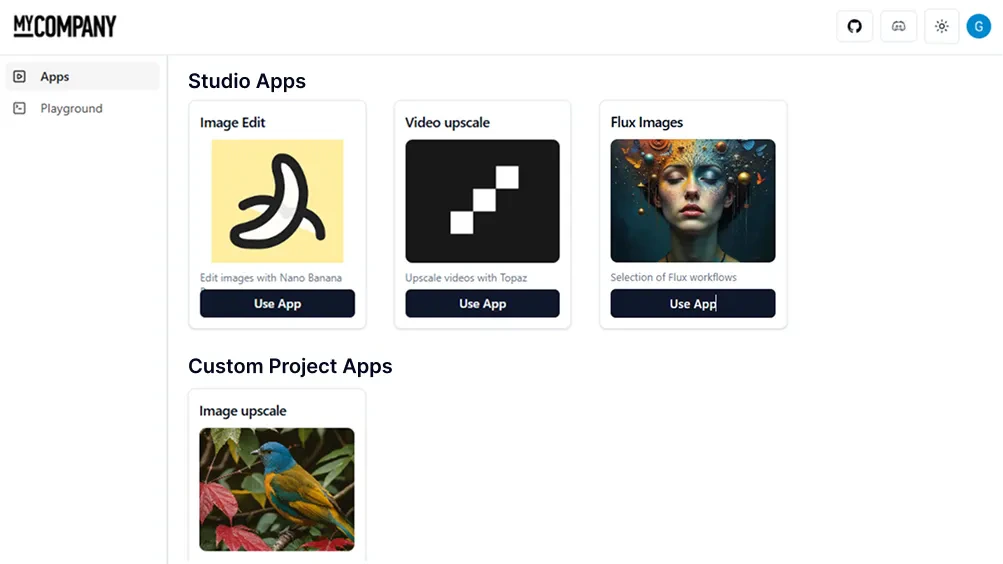
ViewComfy home page
Search...
⌘K
Support
Dashboard
Dashboard
Search...
Navigation
Guides
Community
Blog
Get Started
Introduction
Quick start
Deployments
Description
Create a deployment (deploy a workflow)
Using the manager
Adding models
Updating the gpu
Common issues
Default nodes
Comfy Workspace
Description
Platform
Serverless API
Cloud API
ViewComfy Apps
Description
Build and edit
Deploy
App hub
Share
Utils node pack
Closed Source Models
Description
Pricing
Storage
Description
Models
Outputs
Account
Billing
Cloud API
Description
Add models and loras
Inference
FAQs
FAQs
On this page
Add an app to your hub
Brand the app hub
ViewComfy Apps
App hub
The app hub is the space for all your production apps. When your playground users log in to ViewComfy, they will be automatically redirected to your hub and can access the apps there.
Add an app to your hub
To add an app to your hub, you need to select the app hub radio button next to your app name.
Brand the app hub
To add your company logo and name to your app hub, you can use the Apps Branding button at the top of the app dashboard.
Deploy
Share
⌘I